
How do screenless fitness tracker notifications work when there is no display to read? The answer depends on what you mean by a notification. A screenless band can still vibrate, send health or safety alerts through its companion app, or signal an incoming call—but different REXQU models are designed for different types of alerts.
That distinction matters. A screen-free tracker does not automatically reproduce every notification from a smartwatch. Instead, it is designed to interrupt you less while still delivering the alerts its hardware and companion app support.
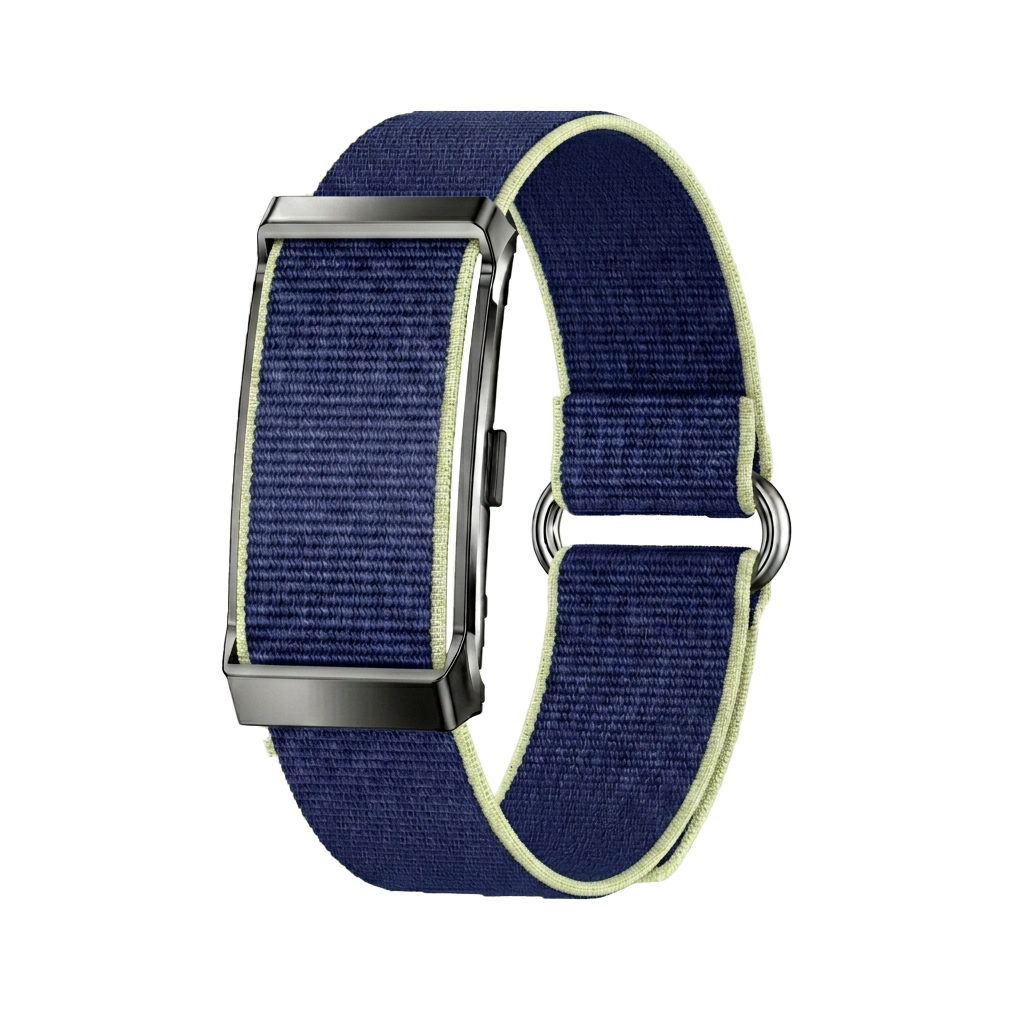
What Screenless Fitness Tracker Notifications Can Mean
On a smartwatch, “notifications” usually means a visible preview of an incoming call, text or app alert. A screenless fitness tracker has no display, so it cannot show a message preview in the same way. Instead, screenless alerts generally fall into three categories:
- Phone alerts: a vibration indicating that a call or message has reached your paired phone.
- Health and wellness alerts: reminders or warnings triggered by tracked data or app settings.
- Safety alerts: SOS, fall-detection or location-related actions on models built around safety.
This is one of the most important differences to understand before buying. If reading messages on your wrist matters to you, a traditional smartwatch is the better fit. If you mainly want passive tracking with only selected interruptions, a screenless band can be a better match.
REXQU Screenless Fitness Tracker Notifications by Model
| Model | Notification / Alert Focus | Display Message Text? | Best For |
|---|---|---|---|
| AeroBand | Call and message vibration alerts | No | People who want simple phone-alert awareness |
| PulseBand | High-heart-rate, low-SpO₂ alerts plus movement, medication and travel reminders | No | Health/recovery tracking with minimal distractions |
| GuardBand | SOS, fall detection, GPS/location and abnormal-heart-pattern alerts | No | Safety and family reassurance |
| CardioBand | Health data and app analysis; not positioned primarily around phone notifications | No | Heart, HRV, ECG and sleep tracking |
AeroBand: Best for Call and Message Vibration Alerts
The REXQU AeroBand is the clearest choice in the current screenless range if you specifically want incoming calls and messages to reach your wrist. Its static product page states that calls and messages arrive as gentle vibration alerts.
Because there is no display, AeroBand does not show the text of the message. The vibration simply tells you that something has arrived so you can decide whether to reach for your phone. That is the core screenless trade-off: awareness without a second screen demanding attention.
PulseBand: Health Alerts Without Wrist Message Noise
The REXQU PulseBand is deliberately positioned as a low-distraction tracker. Its current product page emphasizes “no screen, no notifications, no glow,” while still supporting health-related alerts and reminders through its sensors and G BAND app.
Those include high-heart-rate and low-oxygen alerts, plus reminders for movement, medication and travel. That makes PulseBand a different proposition from AeroBand: it is designed to flag selected wellness information without turning your wrist into another inbox.
If PulseBand’s heart and recovery tracking is what interests you, see the screenless fitness tracker heart-rate accuracy guide and the sleep-tracking guide.
GuardBand: Safety Alerts Rather Than Everyday Notifications
The REXQU GuardBand is built around safety rather than social or messaging alerts. Its main alert features are one-press SOS, automatic fall detection, real-time GPS position sharing and abnormal-heart-pattern alerts.
If a hard fall is detected, GuardBand is designed to trigger an emergency call and share location according to the configured setup. A manual SOS press can also send an emergency call with GPS position to the chosen contact. These are much more important than ordinary phone notifications for the audience GuardBand is designed to serve.
For a deeper comparison, read Smartwatch for Seniors With Fall Detection or go directly to the GuardBand static product page.
What About CardioBand Notifications?
The REXQU CardioBand is currently positioned around heart-rate monitoring, HRV, ECG, blood-pressure and blood-oxygen wellness tracking, sleep analysis and cycle tracking. Its published product page does not make phone call/message notifications a headline feature.
For that reason, shoppers whose primary requirement is call or text vibration alerts should choose AeroBand rather than assume every screenless tracker handles notifications identically. If CardioBand appeals because of ECG, HRV or cycle tracking, choose it for those strengths instead.
How Do Screenless Fitness Tracker Notifications Work Technically?
When a supported alert is triggered, the band uses a small haptic or vibration component to create a physical pulse you can feel on the wrist. For phone-based alerts, the paired phone receives the call or message first and passes an alert to the band over Bluetooth.
Health alerts work differently. The band’s sensors collect data and the device or companion app applies the configured thresholds or rules. Safety alerts can involve additional hardware and workflows, such as GuardBand’s GPS and fall-detection functions.
For background on the connection between wearables and phones, the Bluetooth SIG technology overview explains how Bluetooth devices exchange data over short-range wireless connections.
Do Screenless Notifications Work Without a Phone Nearby?
It depends on the alert. A call or message alert obviously depends on the paired phone receiving that call or message and maintaining a Bluetooth connection to the band. If your phone is out of range, AeroBand cannot know that a new text arrived on the phone.
Sensor-based wellness tracking can continue without the phone nearby, with data syncing later. Safety functions vary by hardware and setup, so follow the exact instructions for the model rather than assuming every alert works independently of the phone.
How to Set Up Screenless Fitness Tracker Notifications
- Pair the band through its companion app. Follow the in-app pairing process rather than relying only on the phone’s Bluetooth settings.
- Grant notification permissions. If you want phone alerts on a supported model, the app needs permission to access and relay them.
- Enable the specific alerts you want. Do not turn on every possible reminder unless you genuinely want it.
- Test the setup. Have someone call or text you, or test the relevant safety/reminder function according to the product instructions.
- Check battery and Bluetooth. Alerts cannot reach a band that is powered off or disconnected.
For phone and app requirements, see the dedicated screenless fitness tracker app compatibility guide.
How to Avoid Notification Fatigue
One of the main reasons people choose a screenless tracker is to get away from constant wrist interruptions. Use that advantage deliberately.
- Enable only alerts that genuinely deserve your attention.
- Use call/message vibrations only if they solve a real problem for you.
- Keep wellness reminders practical rather than turning on every available prompt.
- For safety devices, test the important alerts and contacts but avoid treating ordinary wellness notifications as emergencies.
Screenless Notifications vs. Smartwatch Notifications
| Feature | Screenless Fitness Tracker | Traditional Smartwatch |
|---|---|---|
| Read full message on wrist | No | Usually yes |
| Vibration alert | Model-dependent | Usually yes |
| Health reminders | Model-dependent | Often |
| Distraction level | Low | Higher |
| Battery impact | Generally lower without a display | Display and notifications use more power |
| Best for | People who want awareness without another screen | People who want detailed wrist-based communication |
Frequently Asked Questions About Screenless Fitness Tracker Notifications
Can I read text messages on a screenless fitness tracker?
No. There is no display. On a model such as AeroBand, a vibration can tell you that a call or message arrived, but you still read the content on your phone.
Which REXQU screenless tracker has call and message alerts?
AeroBand explicitly lists gentle call and message vibration alerts on its current product page.
Does PulseBand show phone notifications?
PulseBand is positioned as a low-distraction device without ordinary wrist notifications. It does, however, support health alerts and reminders such as high-heart-rate, low-oxygen, movement and medication reminders.
Does GuardBand send safety alerts?
Yes. GuardBand is designed around SOS, automatic fall detection, GPS/location features and health-related safety alerts rather than ordinary phone-message previews.
Do vibration alerts drain much battery?
Repeated vibrations use some power, but the lack of a display remains one of the biggest reasons a screenless tracker can achieve longer battery life. For model-by-model runtimes, see the screenless fitness tracker battery-life comparison.
Which Screenless Fitness Tracker Is Best for Notifications?
If your priority is call and message vibration alerts, choose REXQU AeroBand. If you want health and recovery alerts with fewer everyday interruptions, look at PulseBand. If safety, SOS, GPS and fall detection are the priority, GuardBand is the relevant model.
Compare all four products, features and current pricing in the REXQU Screenless Fitness Tracker collection →.
REXQU trackers are wellness and fitness devices, not medical or emergency-dispatch devices. Alert behavior depends on model, configuration, battery status, Bluetooth/connectivity and companion-app permissions.