
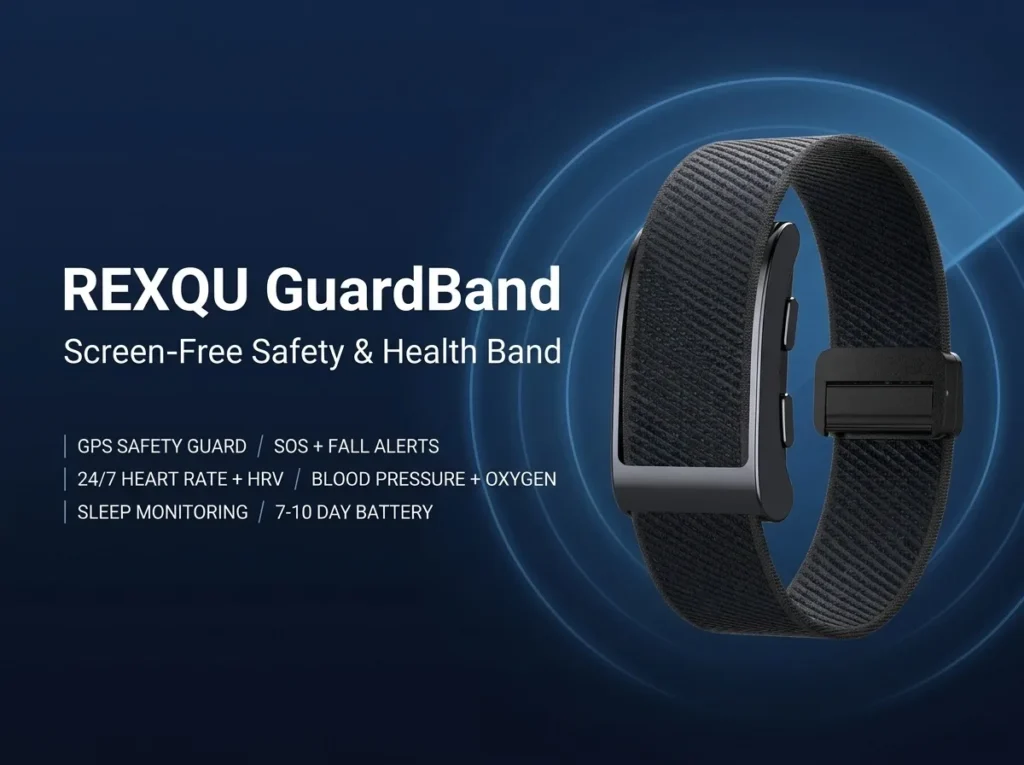
Checking screenless fitness tracker app compatibility before you buy is essential because, with no display on the band, the phone app becomes the main place you see your health trends, sleep data, alerts and activity history. A screenless tracker can have excellent sensors, but if the companion app does not work properly with your phone, much of the experience is lost.
REXQU’s screenless range is designed for both iPhone and Android, but the exact app and minimum operating-system requirements vary by model. This guide explains which app each band uses, what phone requirements to check, how Bluetooth syncing works, and what to do if pairing fails.
Why Screenless Fitness Tracker App Compatibility Matters More
On a regular smartwatch, some information is available directly on the display. On a screenless fitness tracker, nearly everything important is viewed on your phone. Heart-rate trends, HRV, sleep summaries, blood-pressure wellness readings, blood oxygen, activity history and settings all live in the companion app.
That means compatibility affects more than setup. It affects whether you can review trends, change alert settings, manage notifications and access the features that make a screenless band useful in the first place.
If you are still deciding whether a display-free tracker suits you, read Do You Need a Screen on a Fitness Tracker? before comparing models.
REXQU Screenless Fitness Tracker App Compatibility by Model
| REXQU Model | Companion App | Android | iPhone / iOS | Notable App Features |
|---|---|---|---|---|
| PulseBand | G BAND | Android 8.0+ | iOS 13.0+ | ECG traces, HR/HRV, sleep, body composition, wellness trends |
| CardioBand | G BAND | Android 8.0+ | iOS 13.0+ | ECG, HR/HRV, sleep analysis, cycle calendar, wellness trends |
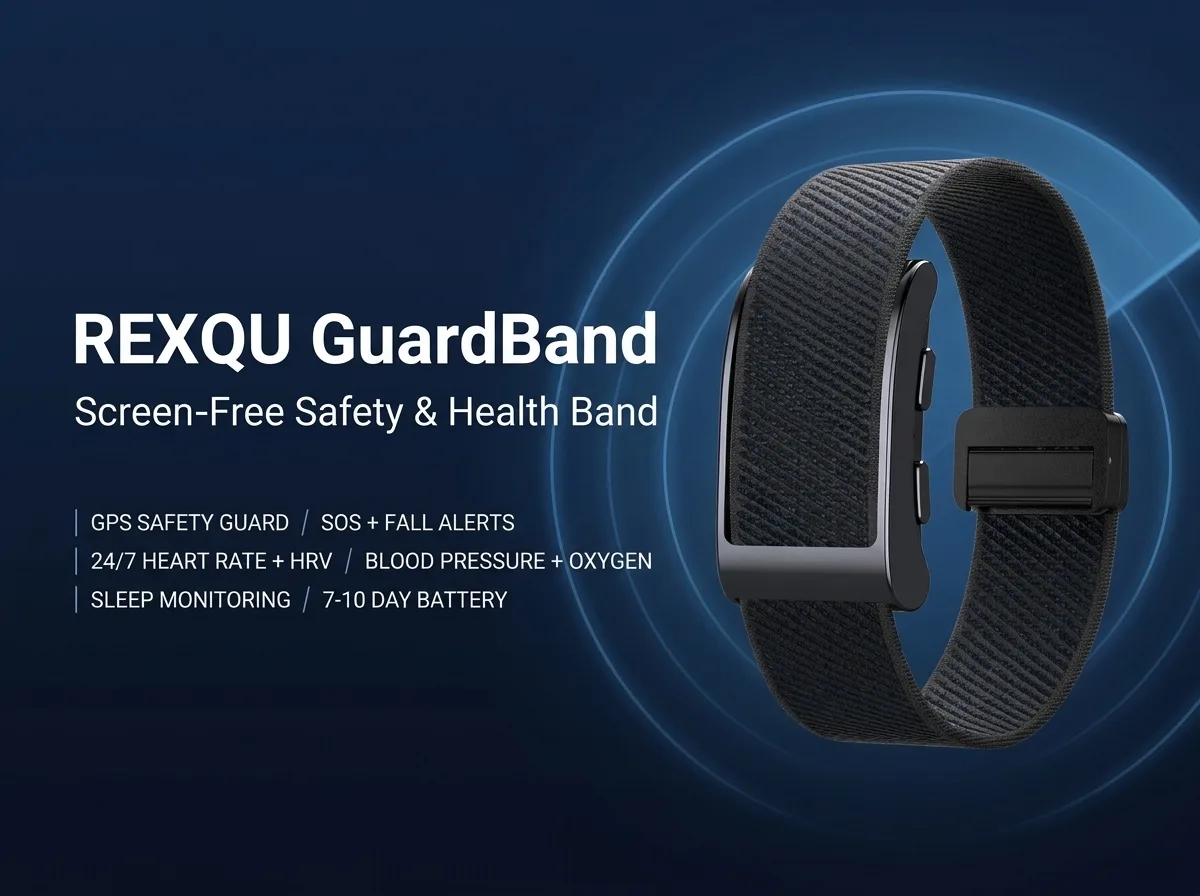
| GuardBand | G BAND | Android 8.0+ | iOS 13.0+ | GPS position, SOS/fall alerts, health and activity data |
| AeroBand | Free companion app | Supported | Supported | Heart rate, BP/SpO₂ wellness data, sleep and activity |
The three G BAND models are the easiest to compare because REXQU publishes the same minimum requirements for them: Android 8.0 or newer and iOS 13.0 or newer. AeroBand also supports both major phone platforms, although its static product page does not currently publish the same exact minimum-version numbers.
Which REXQU Screenless Tracker Uses the G BAND App?
The PulseBand, CardioBand and GuardBand all use G BAND. That makes switching among those models simpler because the interface and general workflow are familiar.
- PulseBand: best suited to shoppers prioritizing ECG, HRV, body composition and very long battery life.
- CardioBand: adds ECG, AI sleep analysis and menstrual cycle tracking in a private in-app calendar.
- GuardBand: focuses on GPS, SOS and fall detection alongside health tracking.
For a broader comparison of the four bands, see the Best Screenless Fitness Tracker: REXQU Buying Guide.
Does a Screenless Fitness Tracker Need Your Phone Nearby?
Not all the time. The band can continue collecting many everyday metrics while your phone is elsewhere, then sync stored data when Bluetooth reconnects. However, features that depend on the phone’s live connection—such as call or text vibration alerts—need the paired phone within normal Bluetooth range.
This distinction is especially important with screenless fitness tracker notifications. A vibration alert for an incoming call can only reach the band if the phone receives that call and passes the alert over Bluetooth.
How Bluetooth Syncing Works
REXQU’s screenless bands use Bluetooth Low Energy-style connections to exchange small amounts of data without keeping a power-hungry full-time radio connection active. That is one reason screenless bands can maintain long battery life while still syncing regularly.
The PulseBand specifically uses Bluetooth 5.3. CardioBand and GuardBand also use Bluetooth connectivity through G BAND, while AeroBand syncs to its own app over Bluetooth. For general background on the technology, the Bluetooth SIG technology overview explains how modern Bluetooth devices communicate efficiently.
How to Check Compatibility Before Ordering
- Check your phone’s operating-system version. On iPhone, open Settings → General → About. On Android, the exact menu varies, but it is usually under Settings → About phone or Software information.
- Compare the version with the band requirement. For PulseBand, CardioBand and GuardBand, look for Android 8.0+ or iOS 13.0+.
- Make sure Bluetooth works normally. If your phone already connects reliably to headphones or a car, Bluetooth hardware is unlikely to be an issue.
- Confirm you can install apps. The band depends on its companion app, so the phone needs access to the appropriate app store and enough storage for the app.
- Update the phone before pairing. Installing available operating-system updates can resolve Bluetooth and app compatibility problems before setup begins.
How to Pair a REXQU Screenless Fitness Tracker
The exact wording varies slightly by app, but the setup process is normally straightforward:
- Charge the band before first use.
- Install G BAND or the appropriate AeroBand companion app.
- Turn on Bluetooth on the phone.
- Open the app and create or sign into your account.
- Use the app’s device-search or add-device function to locate the band.
- Select the band and approve the pairing request.
- Allow the permissions needed for the features you want to use, such as Bluetooth, notifications or location.
- Wear the band for several hours and open the app again to confirm that data is syncing.
What to Do if Your Screenless Fitness Tracker Will Not Pair
Most pairing problems are caused by permissions or by trying to connect from the phone’s Bluetooth menu instead of from inside the companion app. Try these steps in order:
- Make sure the band has enough battery.
- Turn Bluetooth off and back on.
- Close and reopen the companion app.
- Confirm the app has Bluetooth permissions.
- On Android, check whether location or nearby-device permission is required for Bluetooth scanning.
- Remove an old pairing if the band was previously connected to another phone.
- Restart the phone if the device still does not appear.
- Use the app’s own “add device” screen rather than pairing manually in system Bluetooth settings unless the app specifically instructs otherwise.
What Happens if You Change Phones?
Changing phones does not mean you need a new tracker. Install the appropriate companion app on the new phone, sign into the same account where applicable, and pair the band again. Before doing so, disconnect or forget the band on the old phone to prevent the old device from repeatedly trying to reconnect.
If historical data is important to you, confirm that it has synced to the app before removing the old phone. App storage and account-backup behavior can change between versions, so it is better to sync first than assume every record is stored locally or in the cloud.
Does Screenless Fitness Tracker App Compatibility Affect Battery Life?
Normally, no. A properly paired band uses Bluetooth efficiently. Battery life is influenced more heavily by sensor frequency, GPS use, vibration alerts and the device’s own hardware. If runtime is your main concern, see the dedicated screenless fitness tracker battery-life comparison.
Frequently Asked Questions About Screenless Fitness Tracker App Compatibility
Do REXQU screenless trackers work with iPhone?
Yes. PulseBand, CardioBand and GuardBand support iOS 13.0 or newer through G BAND. AeroBand also supports iPhone through its own free companion app.
Do REXQU screenless trackers work with Android?
Yes. PulseBand, CardioBand and GuardBand support Android 8.0 or newer. AeroBand also supports Android through its companion app.
Do I need a subscription for the app?
No REXQU subscription is required to use the core companion-app features for these screenless trackers.
Can I use the band without installing the app?
The band may still collect some sensor data, but a screenless tracker is designed around the companion app. Without the app you cannot properly review most of the readings, trends and settings, so app use should be considered part of the product rather than optional.
Can I connect one band to two phones at the same time?
Bluetooth wearables are generally designed around one primary paired phone at a time. If you want to move the band to another phone, disconnect it from the first device and pair it through the companion app on the second.
Which Compatible Screenless Fitness Tracker Should You Choose?
If you already know your phone meets the app requirements, choose by the feature set rather than compatibility alone. Pick PulseBand for ECG, HRV, body composition and up to 30 days of battery life; CardioBand for ECG, sleep analysis and cycle tracking; GuardBand for GPS, SOS and fall detection; or AeroBand for a simpler all-round screenless tracker.
Next step: compare specifications, current pricing and the four static product pages in the REXQU Screenless Fitness Tracker collection →.
REXQU bands are wellness and fitness devices, not medical devices. Health readings are intended for general awareness and trend tracking, not diagnosis or treatment.