
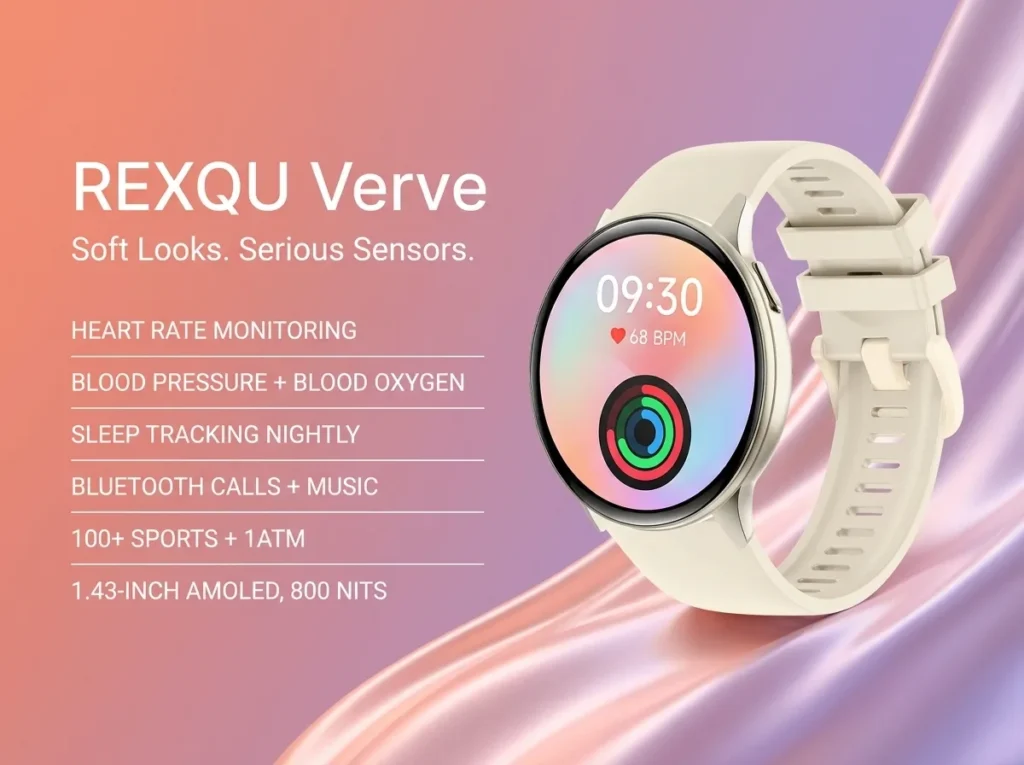
Smartwatch music playback is one of those features that sounds simple on a spec sheet and then raises a very specific question once the watch arrives: does it actually store songs, or does it just control what’s already playing on your phone? On the REXQU Verve, it’s the second one — and once you know that, using it well is straightforward.
How Smartwatch Music Playback Works on the Verve
The Verve’s smartwatch music playback feature streams nothing and stores nothing. It connects to your phone over Bluetooth and sends playback commands — play, pause, skip, volume — to whatever music app is already running there, whether that’s Spotify, Apple Music or a podcast app. The watch is a remote control on your wrist, not a second music player.
That distinction matters because it means there’s no onboard storage to run out of, no separate music sync step, and no file format to worry about. Anything your phone can play, the Verve can control, as long as the two stay paired within Bluetooth range.
The Technology Behind It
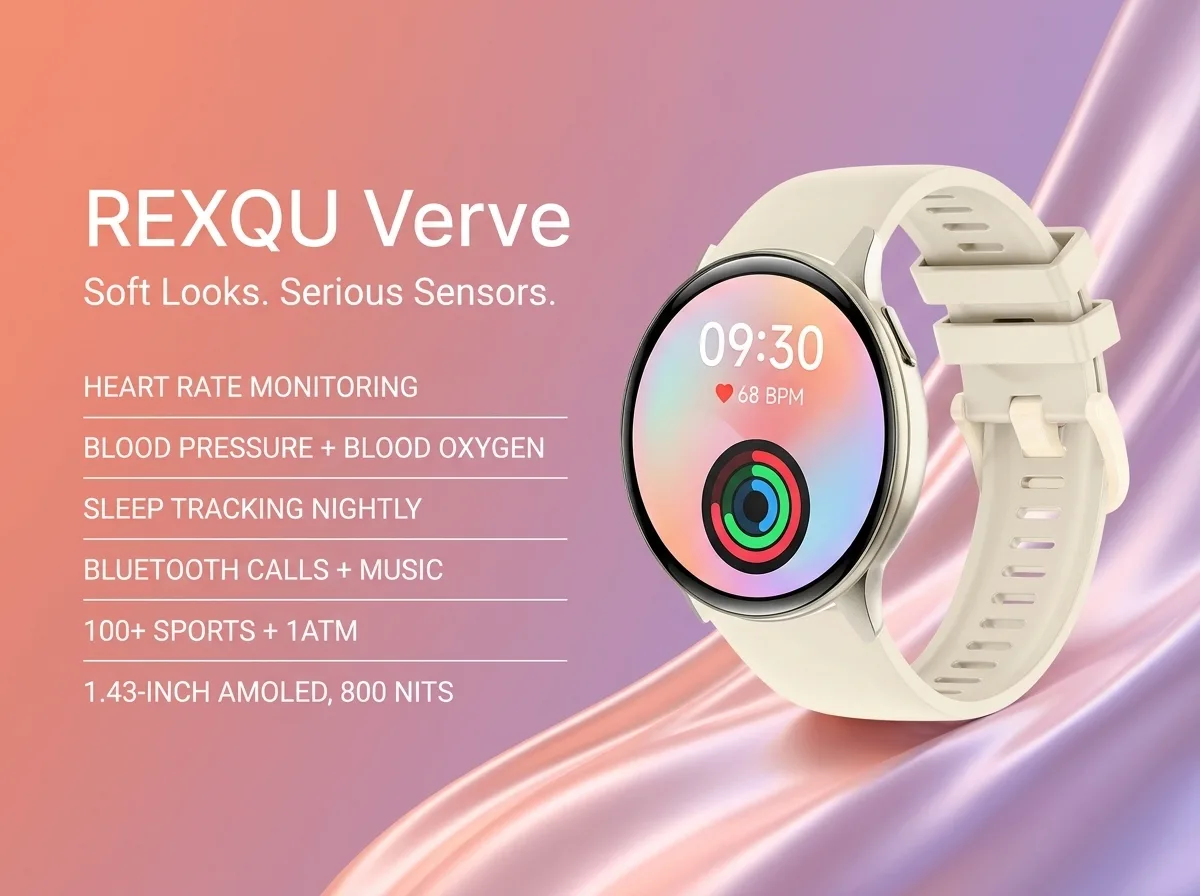
Bluetooth audio control like this runs on a profile called AVRCP (Audio/Video Remote Control Profile), working alongside A2DP, the profile that actually streams audio. The Verve doesn’t stream audio to anything — your phone still pushes sound to your earbuds or speaker directly — the watch just issues the AVRCP commands that change tracks or adjust volume. Wikipedia’s overview of the Advanced Audio Distribution Profile explains how these Bluetooth audio profiles divide the work if you want the technical detail.
Using Smartwatch Music Playback Day to Day
In practice, this feature is most useful for the moments when pulling your phone out is annoying: skipping a track mid-run, turning the volume down for a call, or pausing a podcast without breaking stride on a dog walk. Combined with the Verve’s Bluetooth calling, you can leave your phone in a bag or pocket and still handle both calls and playback from your wrist.
If the Music Controls Stop Responding
Most issues come down to the Bluetooth connection rather than the feature itself. If skip or pause commands stop working, check that the Verve still shows as connected in the Da Fit app, that your phone’s Bluetooth is turned on, and that you haven’t wandered out of range. Restarting Bluetooth on your phone — rather than restarting the watch — fixes most dropped-connection issues in a few seconds, since the watch itself has nothing to reset: there’s no local music library or cache to clear.
- Pair the Verve with your phone once in the Da Fit app — playback controls work automatically afterward.
- Keep your phone within typical Bluetooth range (about 10 meters/30 feet) for reliable control.
- Controls work with whatever app is actively playing — there’s no separate “watch music app” to configure.
Smartwatch Music Playback: Verve vs. Dedicated MP3 Watches
| Feature | REXQU Verve | Dedicated MP3 smartwatch |
|---|---|---|
| Controls phone’s music over Bluetooth | ✓ | Varies |
| Stores music files on the watch | ✗ | ✓ (limited storage) |
| Works without phone nearby | ✗ | ✓ |
| Bluetooth calling included | ✓ | Rare |
| Price | $129.97 | Varies |
If leaving your phone behind entirely during a run matters more to you than calling and the rest of the Verve’s health tracking, a watch with onboard storage is the better fit. If you’re usually within reach of your phone anyway, this Bluetooth-controlled approach does the job without the extra storage or syncing hassle. Compare the full lineup of everyday style smartwatches to see which models include it.
Smartwatch Music Playback FAQ
Can I play music on the Verve without my phone nearby? No — since the Verve controls your phone’s music rather than storing files itself, your phone needs to stay within Bluetooth range.
Does it work with any music app? Yes. Because the watch sends generic playback commands rather than integrating with one specific app, it works with whatever audio app is currently active on your phone.
Does using this feature drain the battery faster? Bluetooth connections do use some power, but playback control itself is a lightweight signal — far less demanding than continuous GPS or a video call.