
A smartwatch for seniors with SOS button access can make it much easier to call for help without first finding and unlocking a phone. For older adults who live independently, go for walks alone, or simply want a faster way to contact family, the important question is not whether a watch has an “SOS” label — it is what happens when the button is pressed, whether the phone needs to be nearby, and who actually receives the call.
Within REXQU’s current Smartwatches for Seniors collection, the clearest manual-SOS options are the VitaCore, IntelliFit and Chronex. The screenless GuardBand also has one-press SOS and adds automatic fall detection with GPS-oriented safety features.
How a Smartwatch for Seniors With SOS Button Works
An SOS smartwatch is a manual emergency-contact tool. The wearer deliberately activates the feature, usually by pressing or holding a physical button or on-screen control. The watch then follows the emergency-contact flow configured for that model and its companion app.
That is different from automatic fall detection. With manual SOS, the wearer has to recognize that they need help and be physically able to activate the watch. With automatic fall detection, motion sensors attempt to recognize a hard fall and initiate an alert flow without requiring the wearer to press anything.
If that distinction is central to your decision, read the dedicated smartwatch for seniors with fall detection guide before buying.
Best REXQU Senior Watches With SOS
| Model | SOS / Safety | Display | Best For | Price |
|---|---|---|---|---|
| VitaCore | One-press SOS to chosen emergency contact | 2.04-inch always-on AMOLED | Large display + health tracking + SOS | $149.97 |
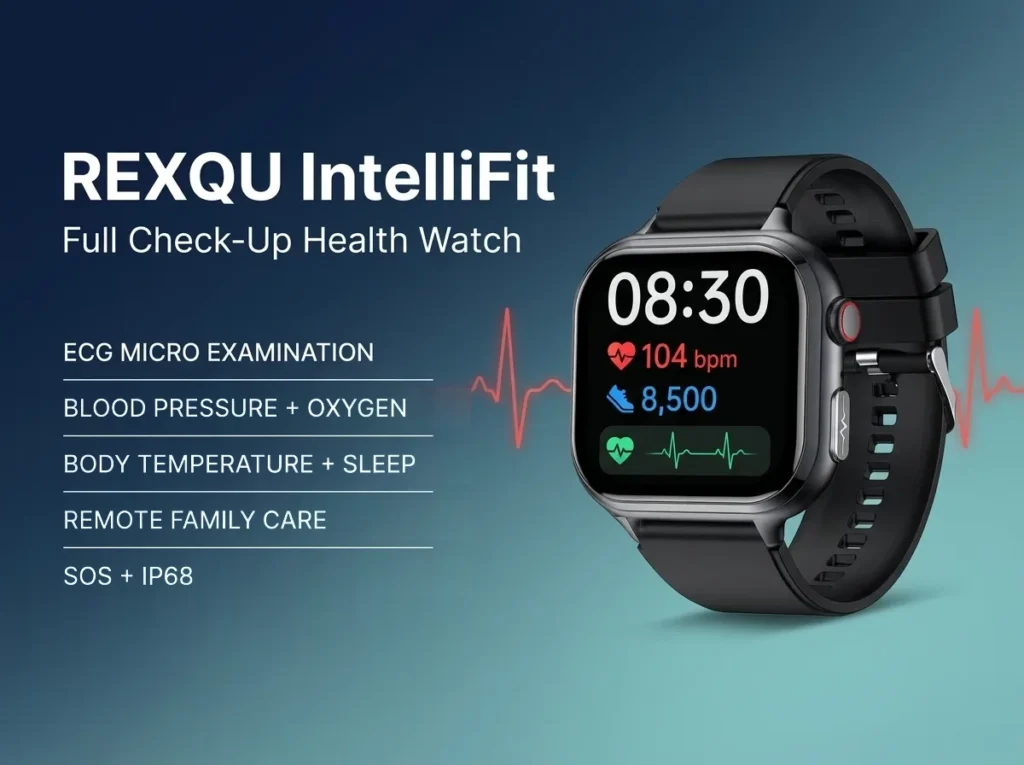
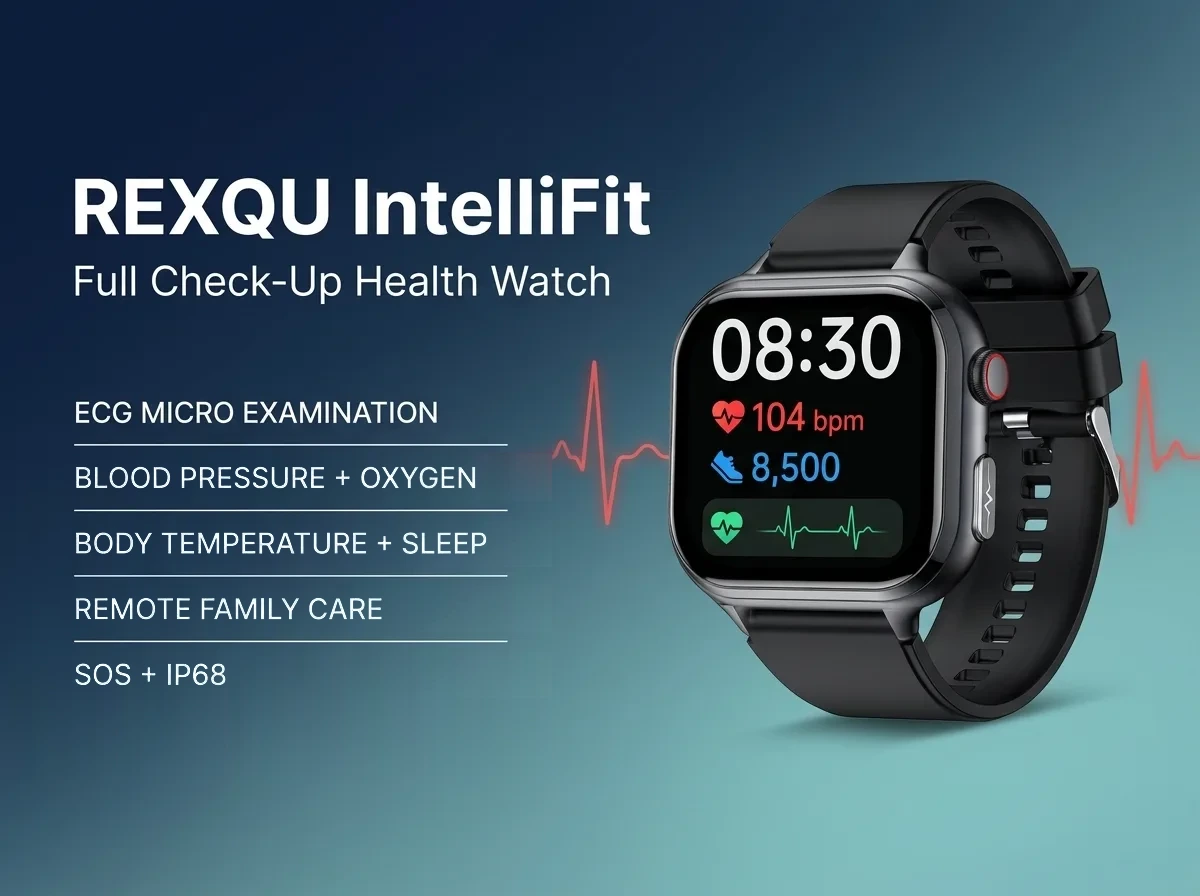
| IntelliFit | One-button SOS + family-care features | 1.91-inch HD | Family connection and wrist calling | $159.97 |
| Chronex | One-button SOS | 1.43-inch AMOLED | Classic round design + ECG | $159.97 |
| GuardBand | One-press SOS + GPS-oriented alert flow + automatic fall detection | Screenless | Safety-first wear with no display | $139.97 |
There are also REXQU health watches outside the dedicated seniors collection with emergency features. For example, the O2Max includes one-touch SOS and optional automatic fall detection. That makes it worth considering if you want a classic round health watch rather than one of the eight models currently grouped in the senior category.
VitaCore: Best SOS Watch for Seniors Who Want a Large Display
The REXQU VitaCore combines a 2.04-inch always-on AMOLED with one-press SOS, Bluetooth calling and a 30-second wellness check covering several everyday metrics. For someone with reduced vision or who simply dislikes small smartwatch menus, the display size is a practical advantage.
Its SOS feature is intended to call a chosen emergency contact rather than a staffed monitoring center. That makes VitaCore a good fit when the user primarily wants a normal health smartwatch with an easier way to reach family quickly.
IntelliFit: Best for SOS Plus Family Monitoring
The IntelliFit is the strongest fit when SOS is only one part of the family’s goal. It adds Bluetooth calling and app-based family-care sharing, so the wearer can use the watch for ordinary communication as well as an emergency button.
For families supporting a parent from another city, that combination may be more useful than SOS alone. See our full family-monitoring guide and Bluetooth-calling guide for seniors for the differences.
GuardBand: When Automatic Fall Detection Matters More Than the Screen
The GuardBand is different from the three screen-equipped watches above. It has no display and is built around safety: real-time GPS-oriented position sharing, one-press SOS and automatic fall detection.
According to the current GuardBand specifications, pressing SOS triggers an emergency call with GPS position to a chosen contact, while a detected hard fall can automatically trigger the configured emergency flow. The band runs about 7–10 days under normal use, with longer standby time, so it does not need nightly charging.
Because fall detection is not guaranteed to identify every fall, it should be treated as another safety layer rather than a complete emergency plan. REXQU’s evidence-focused Falls in Older Adults Health Guide explains the broader fall-risk picture and what wearables can realistically contribute.
Does an SOS Smartwatch Call 911?
Do not assume that an SOS label means direct connection to emergency dispatch. REXQU’s consumer watches are designed around chosen personal contacts, not a staffed medical-alert call center. That is an important distinction.
If your family needs guaranteed 24/7 professional monitoring, direct emergency dispatch or a dedicated medical-alert service, a consumer smartwatch may not be enough on its own. The National Council on Aging’s medical-alert-system resources are useful for understanding the dedicated monitored-service category.
How to Set Up an SOS Watch for a Parent
- Pair the watch and phone completely. Finish Bluetooth and companion-app setup before configuring emergency contacts.
- Add the right contact first. Choose someone who is likely to answer and who knows what to do if the call arrives.
- Test the SOS feature together. Do not wait for an emergency to discover how long the button must be held or what the receiving phone displays.
- Explain the difference between SOS and fall detection. The wearer should know whether help requires a button press.
- Keep the paired phone charged and close enough. Bluetooth-dependent calling features need the connection to work properly.
- Repeat the test occasionally. Recheck the contact list after phone changes, app updates or long periods without using SOS.
What to Look for Beyond the SOS Button
An emergency button is only useful if the person will actually wear the watch. When comparing a smartwatch for seniors with SOS button access, also look at:
- Display readability: large text and strong contrast reduce everyday frustration.
- Battery life: a watch that is constantly charging cannot help while it is off the wrist.
- Comfort: weight, strap style and clasp ease matter more for all-day wear than an extra app feature.
- Calling: ordinary wrist calling can be valuable even when there is no emergency.
- Family-care options: useful when adult children want consensual access to trends.
- Fall detection: important if the concern is being unable to press SOS after a fall.
For a broader comparison across all eight senior-friendly models, see the Best Smartwatch for Seniors buying guide.
SOS Button vs. Medical Alert Pendant
A smartwatch and a medical-alert pendant solve overlapping but not identical problems. A smartwatch looks and behaves like an everyday consumer device, so some people are more willing to wear it continuously. It can also combine calling, wellness tracking and notifications.
A dedicated monitored pendant may have a simpler emergency-only interface and professional monitoring behind it. The right answer depends on how much independence the wearer has, whether they reliably carry a phone, how serious the fall or medical risk is, and whether the family needs professional dispatch rather than family-contact calling.
Frequently Asked Questions
Which REXQU smartwatch for seniors has the best SOS setup?
There is no single best choice for everyone. VitaCore is strong for a large display plus SOS, IntelliFit for family care and calling, Chronex for a smaller round ECG watch, and GuardBand for safety-first use with automatic fall detection.
Does the SOS button work without touching the phone?
The SOS action is initiated from the watch, so the wearer does not need to unlock and operate the phone at that moment. However, Bluetooth-dependent functions still rely on the paired phone and connection conditions for the communication flow.
Is there a monthly fee?
REXQU does not charge a recurring monitoring subscription for the core watch and companion-app features described here.
What if my parent cannot press the SOS button after a fall?
That is exactly when automatic fall detection becomes more relevant. Compare the GuardBand and O2Max, and read the fall-detection guide.
Can an SOS smartwatch replace emergency services?
No. These watches are consumer communication and wellness devices, not professional emergency-dispatch services.
The Bottom Line
The best smartwatch for seniors with SOS button access depends on what happens outside the emergency moment. Choose VitaCore for the largest always-on display, IntelliFit for family care and wrist calling, Chronex for a smaller classic ECG watch, or GuardBand if automatic fall detection is the priority. Compare all REXQU smartwatches for seniors →
REXQU smartwatches are consumer wellness and communication devices, not certified medical-alert systems or medical devices. They are not a substitute for professional medical advice, emergency services or monitored care where those are required.