
Curious what “30-day standby” actually means for everyday smartwatch battery life, versus how long the watch really lasts once you’re using it? The two numbers on the spec sheet aren’t the same thing, and mixing them up is the most common reason people end up disappointed with a watch’s battery.
This guide explains the difference between typical-use battery life and standby time, shows how several REXQU everyday models compare, and gives you a practical way to estimate how often you will really need to charge. For the full style-and-feature comparison, see the Best Everyday Smartwatch Buying Guide.
Everyday Smartwatch Battery Life: Full Use vs Standby
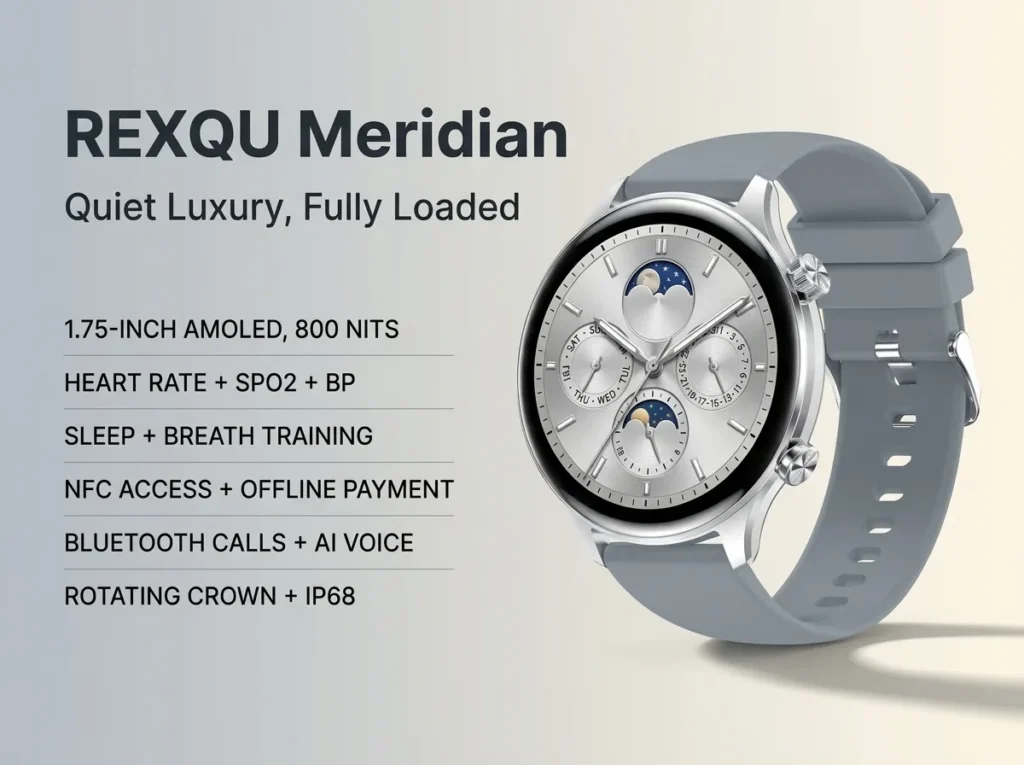
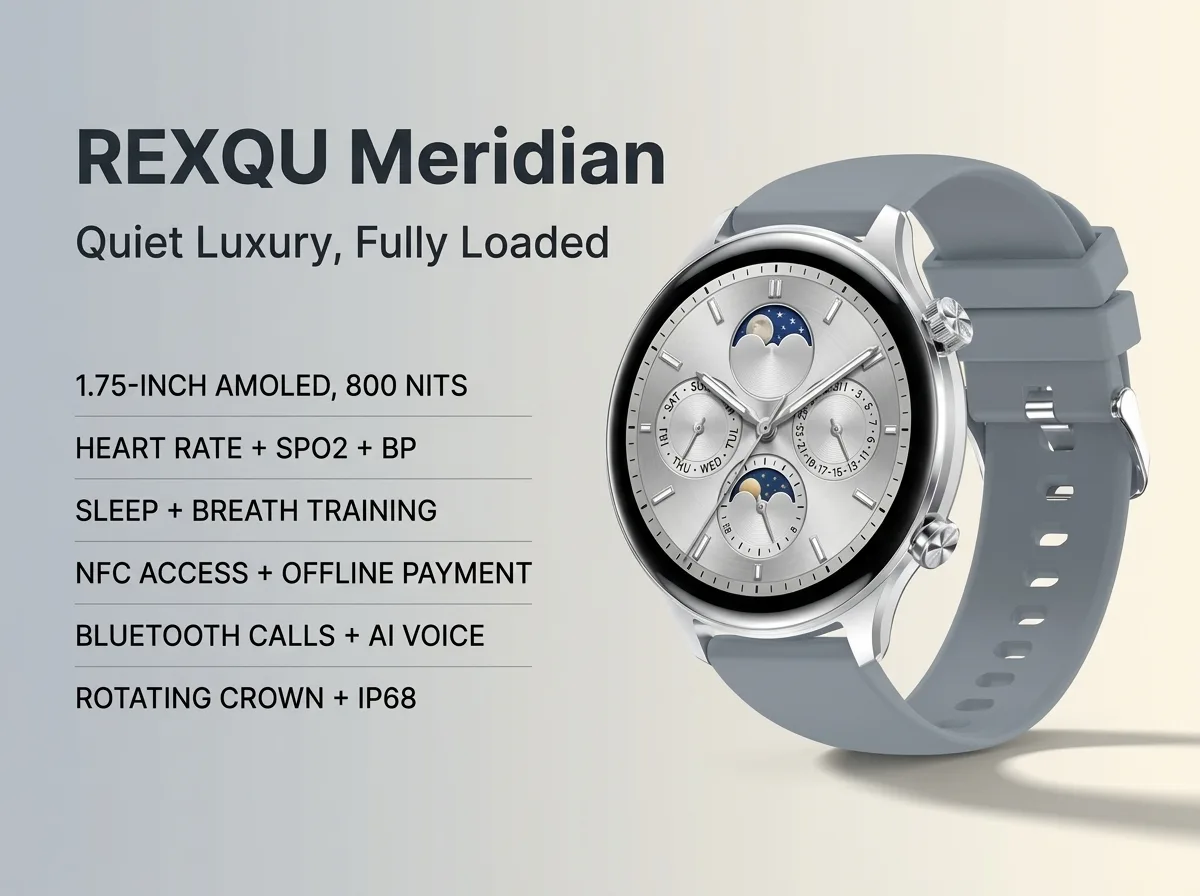
The REXQU Meridian runs on a 300mAh battery that delivers 5–7 days of full use — meaning the display, heart-rate sensor, Bluetooth calling and notifications are all active — and more than 30 days of standby from the same charge if you dial activity back to just timekeeping and background tracking. Standby numbers assume you’re not making calls, checking notifications constantly, or leaving the always-on display active, so treat the “30-day” figure as a best-case ceiling, not a everyday expectation.
| Model | Published Typical Use | Published Standby | Best For |
|---|---|---|---|
| REXQU Meridian | 5–7 days | 30+ days | Calls, NFC and everyday use with strong standby headroom |
| REXQU Flow | 5–10 days | Not separately published | Large-display everyday use |
| REXQU Prisma | 5–7 days | Up to 30 days | Lightweight everyday wear with flashlight convenience |
Published figures are best treated as guidance rather than guarantees. Screen brightness, Bluetooth calling, notification frequency, sensor settings and how often you wake the display can all change real-world runtime.
What Actually Drains an Everyday Smartwatch’s Battery
The biggest drains on everyday smartwatch battery life are usually screen-on time and brightness, frequent Bluetooth calls, heavy notification use, continuous sensors and any always-on display mode. The Meridian, Flow and Prisma all combine bright displays with connected features, so a buyer who uses calls and notifications heavily should expect less runtime than someone who mainly checks the time and health trends a few times a day.
Getting the Most Real-World Battery Life
- Turn off always-on display unless you specifically need it — this is the single biggest lever on either watch.
- Lower screen brightness a notch or two from maximum; AMOLED and HD panels both scale power with brightness.
- Limit Bluetooth call time if you’re chasing the top end of the multi-day estimate — calling is more power-hungry than notifications alone.
- Charge on a schedule rather than waiting for empty — REXQU’s magnetic chargers are quick, so a nightly top-up avoids ever hitting zero mid-day.
Which Everyday Smartwatch Fits Your Charging Habits?
Choose Meridian if you want 5–7 days of typical use plus a published 30+ day standby figure, along with Bluetooth calls and NFC. Choose Flow if you want a large 1.95-inch display and the widest published typical-use range in this comparison at 5–10 days. Choose Prisma if low weight and a built-in flashlight matter, with 5–7 days of typical use and up to 30 days of standby.
If battery is your number-one buying criterion, compare those figures with the broader Everyday Smartwatch Buying Guide before deciding. If calling is the feature most likely to affect your runtime, the Meridian vs Verve Bluetooth Calls guide explains that trade-off in more detail.
Browse REXQU’s full everyday-style smartwatch lineup to compare the Meridian and Luxora side by side on display, health tracking and price before you decide.
Everyday Smartwatch Battery Life FAQ
Does Bluetooth calling drain the battery faster than notifications? Yes — placing or receiving calls over Bluetooth uses meaningfully more power than passive notification buffering, so heavy callers should expect toward the lower end of the full-use range.
Is a bigger battery always better for everyday smartwatch battery life? Not necessarily — display technology and how a watch manages background sensors matter as much as raw battery capacity (in mAh). A well-tuned smaller battery can outlast a larger one running an always-on display.
For a broader look at how lithium-ion batteries in wearables age and what affects their lifespan over time, see Wikipedia’s overview of lithium-ion battery technology.
Will the Battery Get Worse Over Time?
Yes, gradually — like any lithium-ion battery, the cell inside an everyday smartwatch loses a small amount of maximum capacity with every full charge cycle. It’s a slow curve rather than a cliff: a watch charged nightly for a year will typically still hold the large majority of its original capacity, and the drop-off only becomes noticeable after a few hundred cycles. Partial charges (topping up from 60% rather than always draining to zero) are gentler on the cell long-term, which is one more reason a quick nightly top-up tends to beat a habit of running the battery all the way down before recharging.