
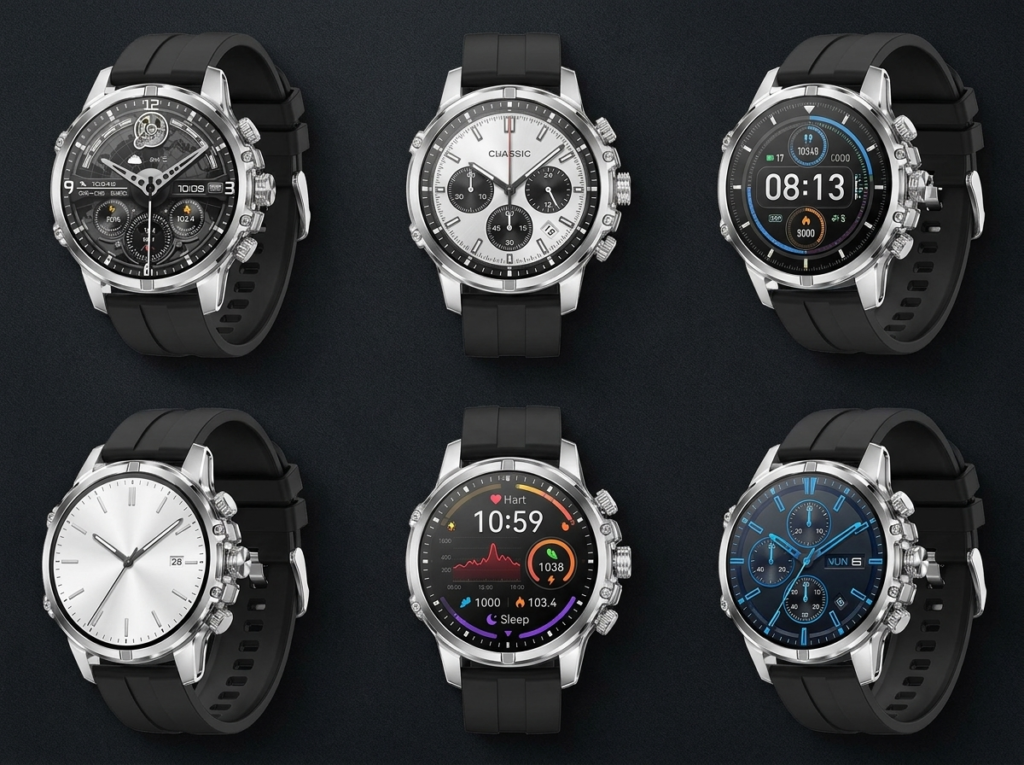
Everyday smartwatch watch faces are the easiest way to make the same watch look different for the gym, the office and a night out — no new hardware, just a swap in the app. REXQU builds a genuinely large face library into all five of its everyday-style watches, but the library size and the controls for browsing it aren’t identical across models. Here’s what actually changes.
How Everyday Smartwatch Watch Faces Actually Work
On every REXQU everyday-style watch, faces live in the companion app — Da Fit, FitCloud Pro or the Luxora app, depending on the model — and sync to the watch over Bluetooth. Nothing needs re-flashing or a factory reset; you pick a new dial, it pushes to the watch in seconds, and your step count, heart-rate history and settings stay exactly where they were.
REXQU Spectrum, Verve, Meridian, Luxora and Equilibrium: Face Libraries Compared
| Model | Watch Faces | Browsing Control | Price |
|---|---|---|---|
| REXQU Spectrum | Hundreds of dials | Touchscreen, swap at will | $129.97 |
| REXQU Verve | 200+ custom faces | Touchscreen | $129.97 |
| REXQU Meridian | 200+ dials, 3D visual menu | Rotating crown + touchscreen | $139.97 |
| REXQU Luxora | 200+ watch faces | Touchscreen | $129.97 |
| REXQU Equilibrium | Customizable face library | Rotating crown + touchscreen | $129.97 |
Why the Meridian’s Rotating Crown Changes How Faces Feel
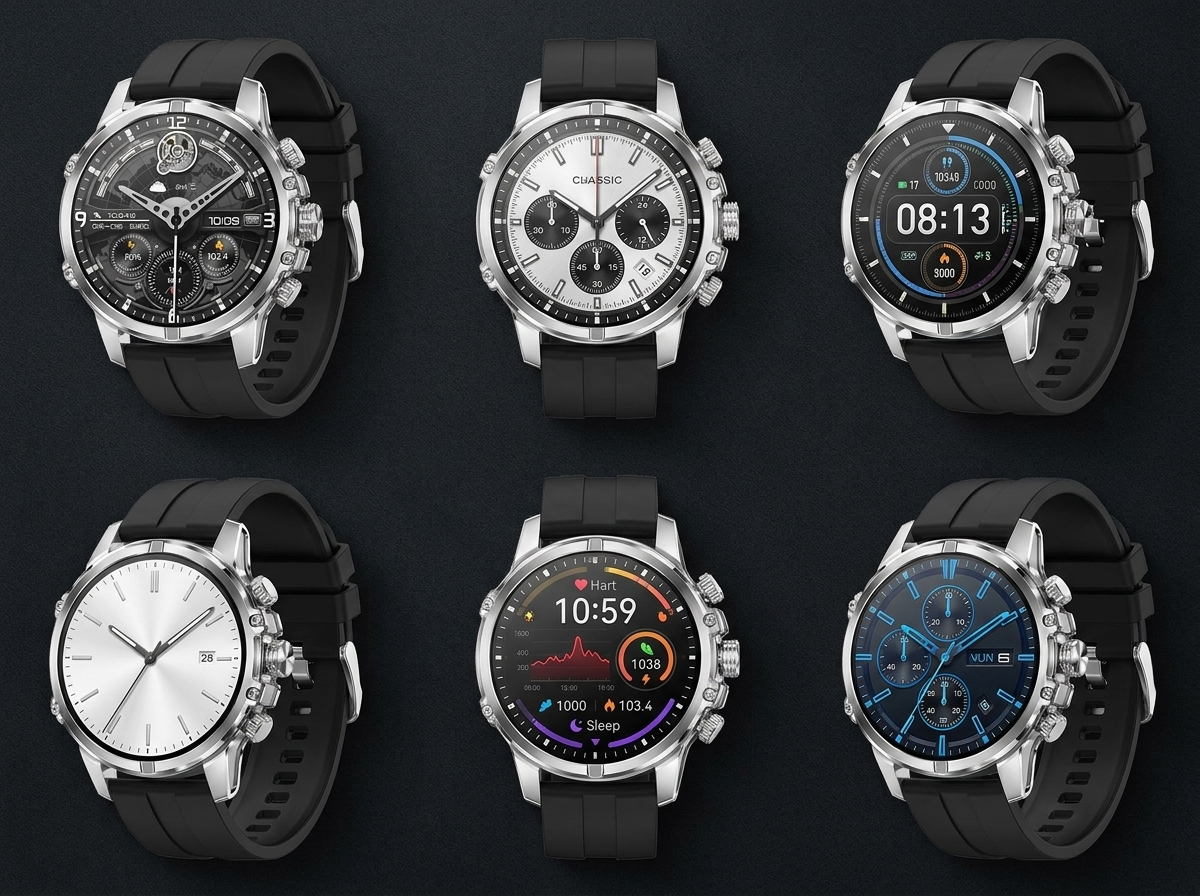
Face count is only half the experience — scrolling through hundreds of everyday smartwatch watch faces by smearing a fingertip across the screen gets old fast. The Meridian and Equilibrium both add a signature rotating crown on top of the touchscreen, so flicking through a 3D visual menu of dials feels more like winding a traditional watch than scrolling a phone. On the Spectrum, Verve and Luxora, the touchscreen alone does the job — simpler, and still fast, just without the crown’s tactile feel.
What’s Actually Available: AMOLED and the Case for a Deep Face Library
All five of these watches use an AMOLED display, which is part of why a large face library makes sense here in the first place — AMOLED panels produce true blacks and rich color per pixel, so a skeleton chronograph dial and a minimal digital readout can look equally sharp on the same screen. Dial styles span clean analog faces, data-dense digital layouts, moon-phase complications and seasonal designs, and switching between them doesn’t touch your tracked health data or settings underneath.
Matching a Face to the Day
A classic analog dial reads as a normal watch across a meeting table; a bold data-rich face surfaces heart rate, steps and weather at a glance on a workout day. Because switching costs nothing but a few taps, there’s little reason to settle on one look — the same REXQU watch can go from boardroom to gym without ever leaving your wrist. Some people land on one favorite and stop there; others swap faces as often as they’d change a bracelet, and both are a normal way to use the feature.
FAQ: Everyday Smartwatch Watch Faces
Do I need the internet to change watch faces? You need the companion app and a Bluetooth connection to your watch, but most face libraries are built into the app itself rather than requiring a constant data connection.
Does changing watch faces affect battery life? An always-on or data-dense AMOLED face can use more power than a simple digital one, but REXQU’s listed battery figures already account for typical, mixed everyday use.
Which REXQU model has the largest face library? The Spectrum, Verve and Luxora are all listed at 200 or more, with REXQU describing Spectrum’s as “hundreds” without a fixed cap.
Compare all five directly — Spectrum, Verve, Meridian, Luxora and Equilibrium — to find the everyday style and face library that fits how you actually dress.