
Blood pressure smartwatch compatibility is the detail that trips people up after they’ve already clicked “buy” — the watch arrives, and only then do they find out which phone and app version it actually needs. REXQU’s two blood-pressure models handle this a little differently, so it’s worth checking before you order rather than after.
REXQU’s blood pressure smartwatches are wellness trackers, not medical devices, and the readings they give are not a substitute for a clinically validated blood pressure cuff or your doctor’s advice.
Blood Pressure Smartwatch Compatibility: IntelliFit vs. Syntra
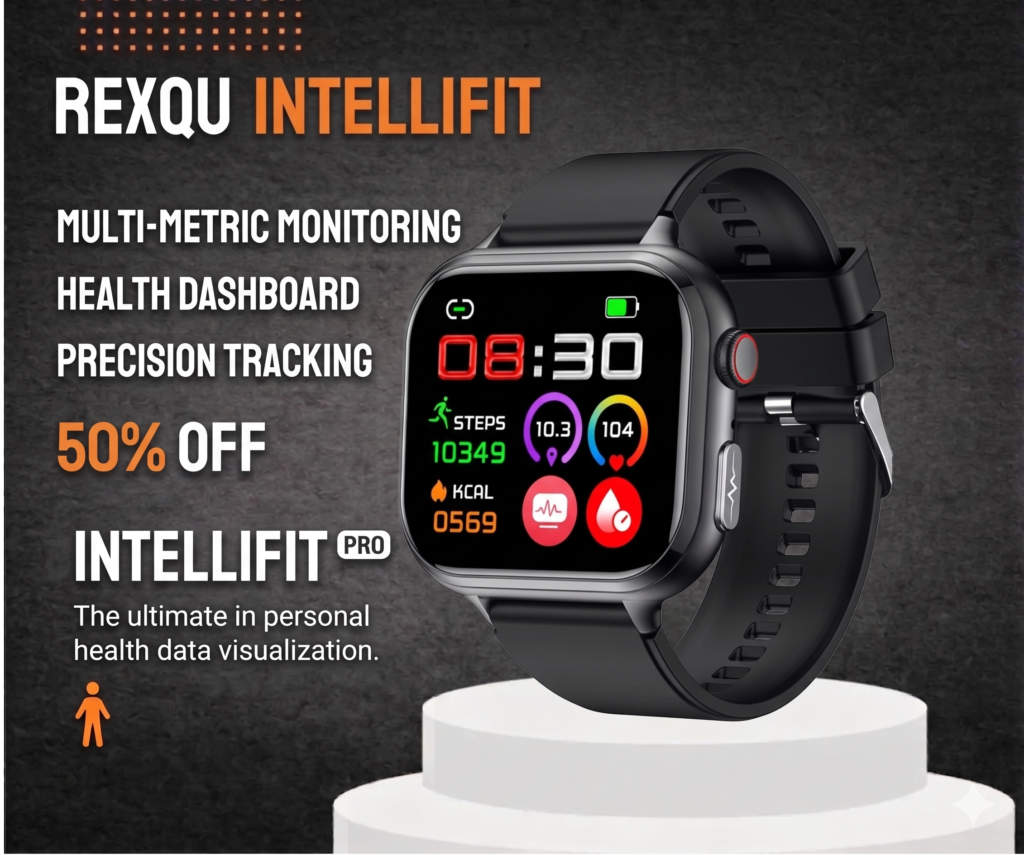
The REXQU IntelliFit pairs over Bluetooth with iPhone (iOS 9+) and Android (4.4+), syncing readings, trends, sleep reports and ECG history through the free DeepFit companion app. At $159.97, it’s built around six everyday health indicators plus on-demand ECG.
The REXQU Syntra asks for a slightly newer iPhone baseline — iOS 10+ — alongside the same Android 4.4+ floor, and uses the free FitCloudPro app instead of DeepFit. It’s priced at $149.97 and carries an IP68 water-resistance rating on top of its blood pressure and heart-rate tracking.
| Feature | REXQU IntelliFit | REXQU Syntra |
|---|---|---|
| iPhone requirement | iOS 9+ | iOS 10+ |
| Android requirement | 4.4+ | 4.4+ |
| Companion app | DeepFit | FitCloudPro |
| Connection | Bluetooth | Bluetooth |
| ECG history | Yes | No |
| Water resistance | Not specified | IP68 |
| Subscription required | No | No |
| Price | $159.97 | $149.97 |
Why the Phone OS Version Actually Matters
Blood pressure readings on both watches are estimated on the wrist and then pushed to the companion app over Bluetooth Low Energy, which is where the OS floor comes from — older iOS and Android builds don’t reliably support the background Bluetooth connection the apps need to keep syncing trends, sleep data and alerts without you opening the app every time. If your phone falls under either minimum, pairing may still technically connect, but background syncing and notifications tend to be the first things that misbehave.
Checking Your Own Phone Before You Buy
On iPhone, Settings → General → About shows your installed iOS version. On Android, it’s usually Settings → About Phone → Android Version, though the exact path varies a little by manufacturer. Either check takes under a minute and settles blood pressure smartwatch compatibility before the watch is out of its box.
What Happens If You’re Right at the Minimum?
Being exactly at the floor — iOS 9 on IntelliFit or iOS 10 on Syntra, or Android 4.4 on either — should work, but app updates over time are written and tested against newer OS versions first. A phone sitting right at the minimum is more likely to see a companion app update eventually drop support than one running a current OS, so if you’re due for a phone upgrade anyway, it’s worth doing before you commit to either watch long-term.
What to Do If Blood Pressure Smartwatch Compatibility Breaks After an Update
Occasionally a phone OS update or an app update changes something on one side of the pairing and the connection stops syncing cleanly. If that happens, the usual fix is simple: unpair the watch from Bluetooth settings, force-close the companion app, then re-pair from scratch rather than trying to reconnect over an existing stale connection. Most reported sync issues on both DeepFit and FitCloudPro clear up with that reset, without needing to contact support.
Frequently Asked Questions
Do I need a data plan or Wi-Fi for either watch to work?
No — both connect to your phone directly over Bluetooth; your phone’s own connection handles anything the app needs to sync online.
Is there a subscription fee for either app?
No. Both DeepFit and FitCloudPro are free, with no required monthly REXQU subscription on either watch.
Can I use either watch with a tablet instead of a phone?
REXQU’s compatibility guidance is written around phones; it’s worth confirming with support before relying on a tablet-only setup.
Both models are part of REXQU’s full blood pressure smartwatch lineup, where you can compare specs side by side before deciding which one matches your phone.